
[ Software ]

Every update to Elliot, on record.

A complete history of Elliot's software releases — what changed, when it shipped, and the full release notes for each version.
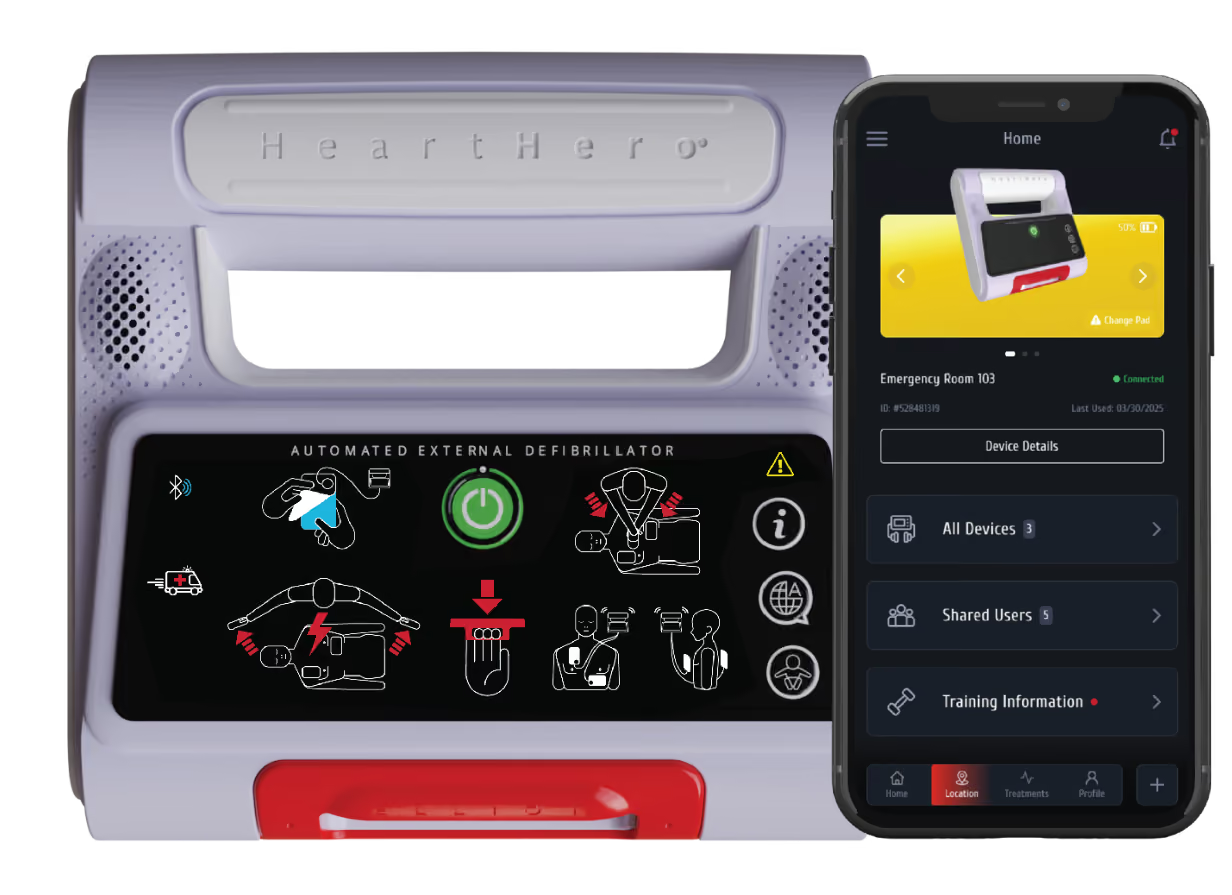
CURRENT RELEASE
v2.3.3
[ Update History ]

Software Update History

[ FIRMWARE Update ]

Elliot battery depletion: how to install firmware 2.3.3

ITEM
DETAIL
Device
HeartHero Elliot automated external defibrillator (AED)
ARTG
387771
Where this applies
Units supplied in Australia that have been taken out of deep sleep and put into
service
Required action
Install firmware version 2.3.3 with the HeartHero mobile app
Units still in deep sleep
(distributor stock)
Update before the unit is deployed, or keep in deep sleep until updated

WHAT WAS WRONG

Some Elliot AEDs in Australia lost battery charge much faster than expected after they were taken out of deep sleep. In some cases the device was found dead, without a usable low-battery warning.

WHAT WAS WRONG CONT.

This occurs because Vodafone (the eSIM provider) has without notice discontinued LTE-M network support in Australia. During periodic self-tests the device repeatedly attempts to connect to a network that is no longer available. After the connection attempt the device does not correctly return to its normal low-power state, resulting in accelerated battery drain. The batteries themselves are not the defect.

Airplane Mode, as described in the first notice, stops those attempts and protects the battery. It does not correct the firmware.

WHAT THIS UPDATE DOES

Firmware 2.3.3 stops the excessive connection attempts. After the update has been installed and confirmed, Airplane Mode is no longer required for this issue.

The update does not change shock delivery, rhythm analysis, or normal operation.

RISK IF YOU DO NOTHING

If the device stays on the old firmware and is not in Airplane Mode, the battery can run down in days after first use. An AED with a dead battery cannot deliver therapy

If the device is already in Airplane Mode per the first notice, it remains usable until you install this update.Do not take it out of Airplane Mode until the app shows that 2.3.3 is installed.

WHAT YOU MUST DO

  • Identify every Elliot AED in your possession in Australia.
  • If the unit is already deployed, leave it in Airplane Mode until the update is finished.
  • Install firmware 2.3.3 by following the instructions for your device.
    OPTION A
    iPhone / iOS
    Update Elliot using the HeartHero app on an iPhone.
    OPTION B
    Samsung or other Android device / Chrome
    Update Elliot using the HeartHero AED Portal in Google Chrome.
    OPTION C
    Unable to complete the update
    Please label the existing iOS and Chrome boxes as A and B, then add a third box for C in the same style and format.
    If you’re unable to complete the update using either option, please contact your distributor or the company from which the device was purchased to arrange for a replacement device and return of the current unit.
  • Confirm on the app that the installed version is 2.3.3.
  • After the version is confirmed, you may turn Airplane Mode off.
  • Complete the acknowledgement form and return it.
If you cannot complete the update (no phone, no app access, app will not connect), leave the device in Airplane Mode and contact us. We will arrange another way to update or replace the unit.

BROWSER COMPATIBILITY

  1. Android Chrome (Testing today on a Pixel 9)
  2. Chrome Android 56 (Release date: 2017-02-01) - Full support
  3. Windows Chrome (Riley and you have tested this)
  4. Chrome 70 (Release date: 2018-10-16) - Partial support
  5. Linux support is not enabled by default.
  6. Mac OS - (Not Tested)
  7. Chrome may work has not been tested.
  8. Samsung Browser - (Not Tested)
  9. Samsung Browser 6 (Release date: 2017-08-23) - Full support

Have questions?

Need help updating your Elliot or checking which software version you currently have?